
MADE FOR YOUR WORKFLOW
Windows applications. At home on your Mac.
Keep your Windows software and the way you like to work. Duplexity connects the two.
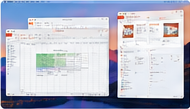
Independent Windows apps
Each Windows application appears in its own window on your Mac. Keep several applications open alongside your Mac apps.

Your PC does the heavy lifting
Applications and graphics run on your Windows PC. Duplexity transmits their windows to your Mac over your local network.
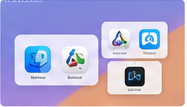
Fits your Mac workflow
Work with Mac and Windows applications together, with Mission Control and familiar macOS window management.
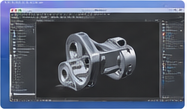
Flexible picture quality
Choose native 5K, 4K, 1440p or 1080p streaming. Note that highest picture qualities (like 4k or 5k) requires a good/strong GPU (like NVIDIA RTX 5060)
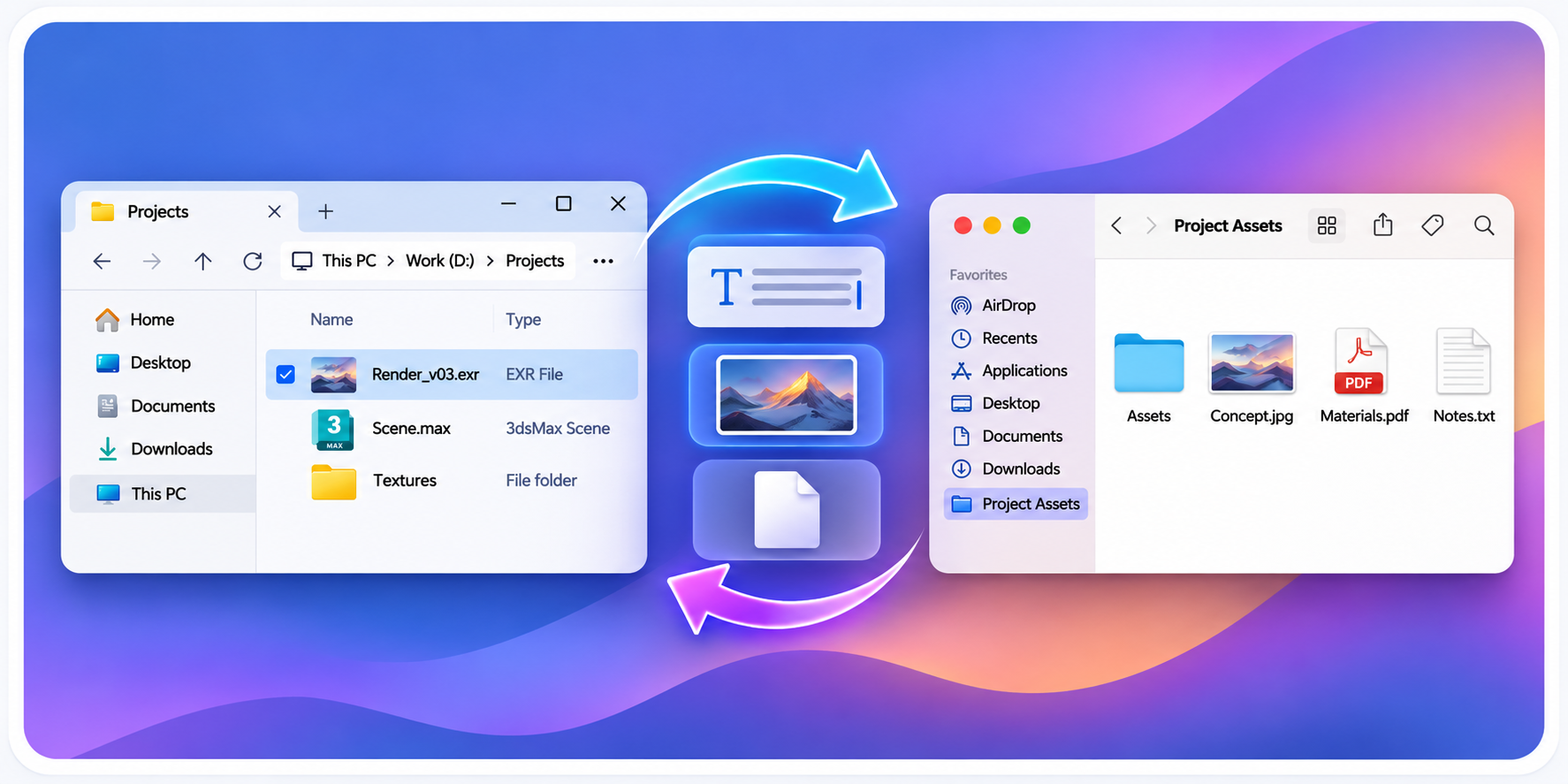
Copy & Paste
Bi-directionnal copy and paste of text, images, files and folders between Windows and MacOS
Mouse and keyboard
Your inputs are sent back to your Windows PC. An optional Mac keyboard compatibility mode helps you stay comfortable.
Simple menu bar control
Connect to your host, start or stop streaming, and manage your sessions from the Mac menu bar.
Performance mode does not transmit alpha transparency. Some Windows system elements, including the Snap Bar, can therefore show an opaque or black background.
See how the connection works